


- Power Source: DC
- Battery Included: Yes
- Does It Includes Wireless Communication: Yes
- Inbox adaptor: No
- High-concerned chemical: None
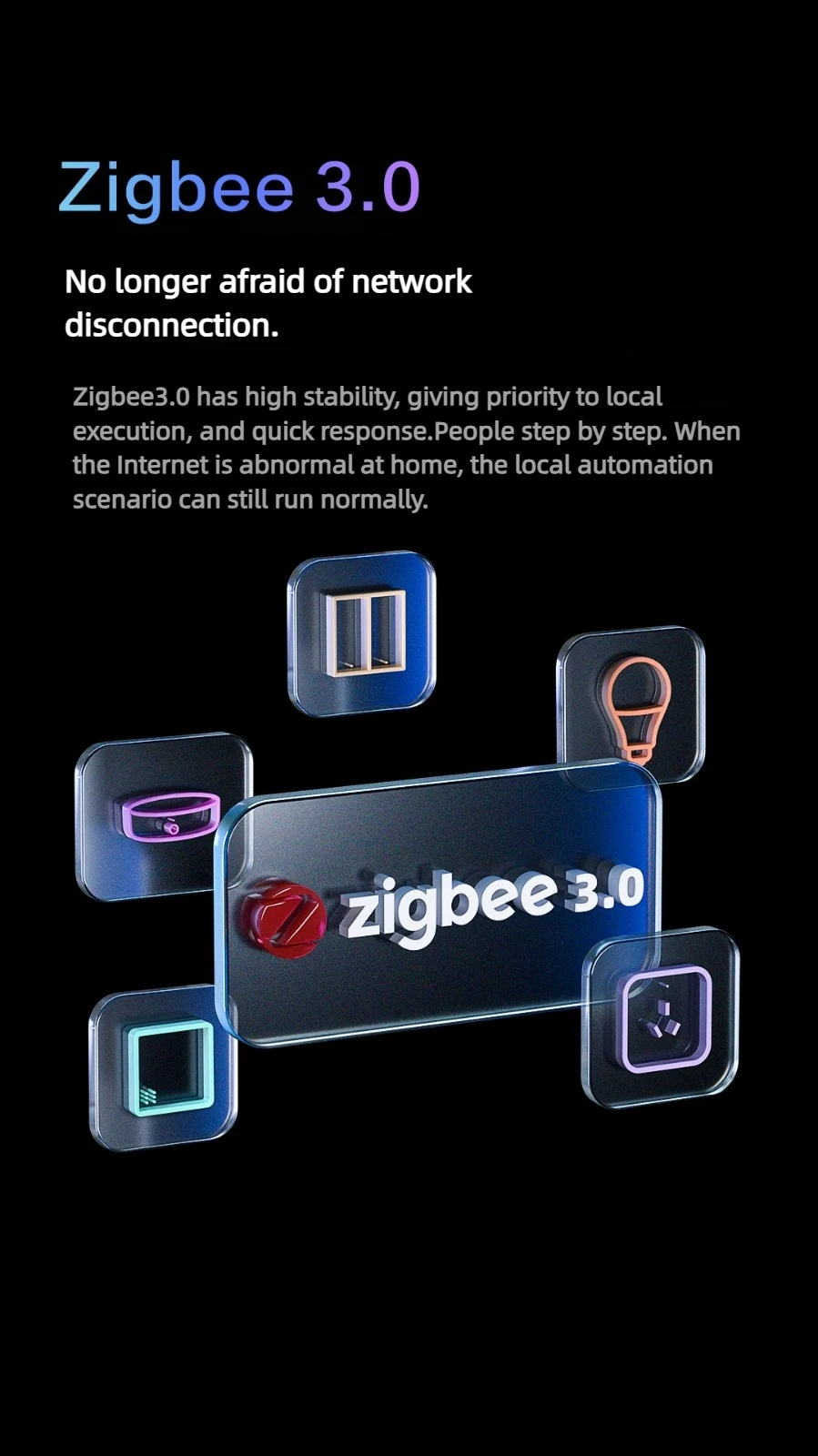
- Communication method: Zigbee
- Model Number: A20CCM01CN
- Brand Name: Aqara
- Power Source: DC
- Origin: Mainland China
- Certification: CE,RoHS,FCC
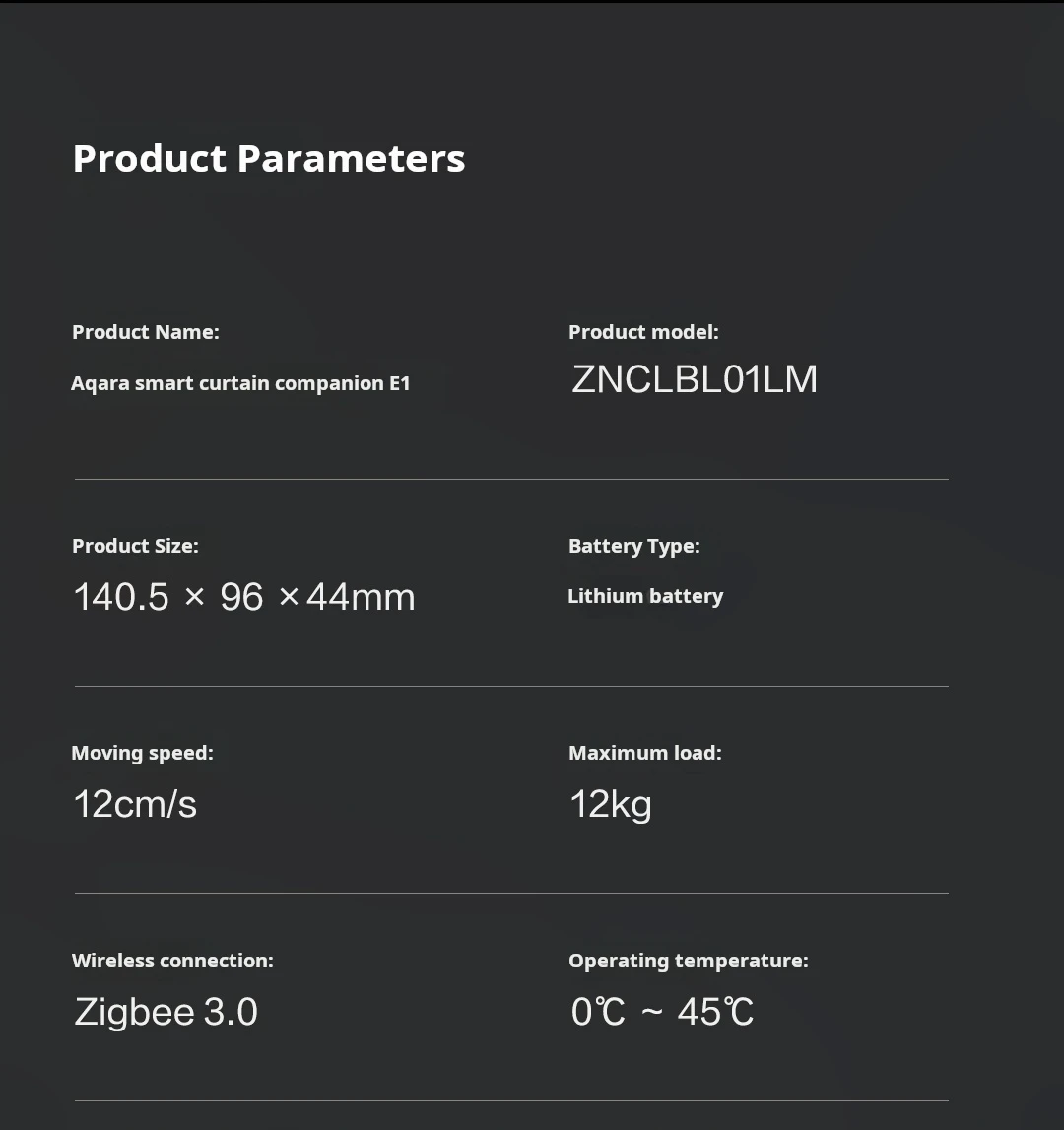
- type: Aqara Smart Curtain Companion E1
- type 1: A20CCM01CN
- type 2: Smart Curtain Companion E1
Aqara Smart Curtain Motor E1 Zigbee 3.0 Smart Home Automation Electric Curtain Motor Remote Control Need HUB Work With HomeKit App
Please note:
1) The E1 curtain driver is the Chinese mainland version. Please set the region to Chinese mainland in the Aqara home APP and check whether the hub gateway is successfully connected to the mobile phone APP.
2) The E1 curtain driver cannot be directly connected to the HomeKit APP via a QR code. You need to first connect the aqara hub gateway to the HomeKit APP and then connect the E1 curtain driver. The hub gateway needs to be purchased separately.
3) The E1 curtain driver must require an Aqara ZigBee 3.0 gateway, compatible gateways (Gateway M1S 2022, Gateway M1S (second generation), gateway M2, Gateway M2 2022, gateway E1, gateway M100, Smart Hub M3, Camera G3 gateway version), etc.
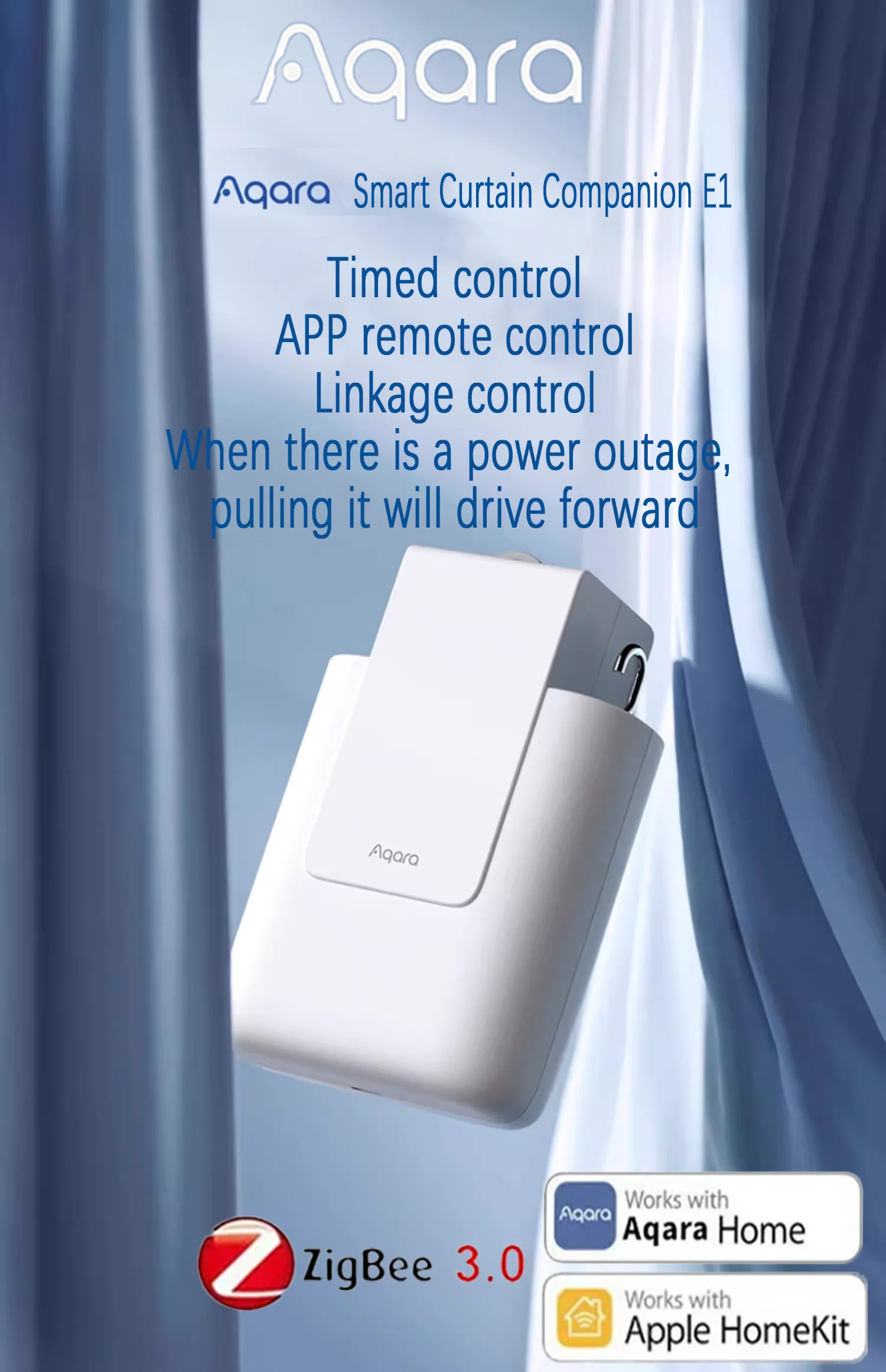
Aqara Smart Electric Curtain Robot Smart Curtain Companion E1 Roman Rod Track Motor Remote Control Automatic Curtain Opener work with Homekit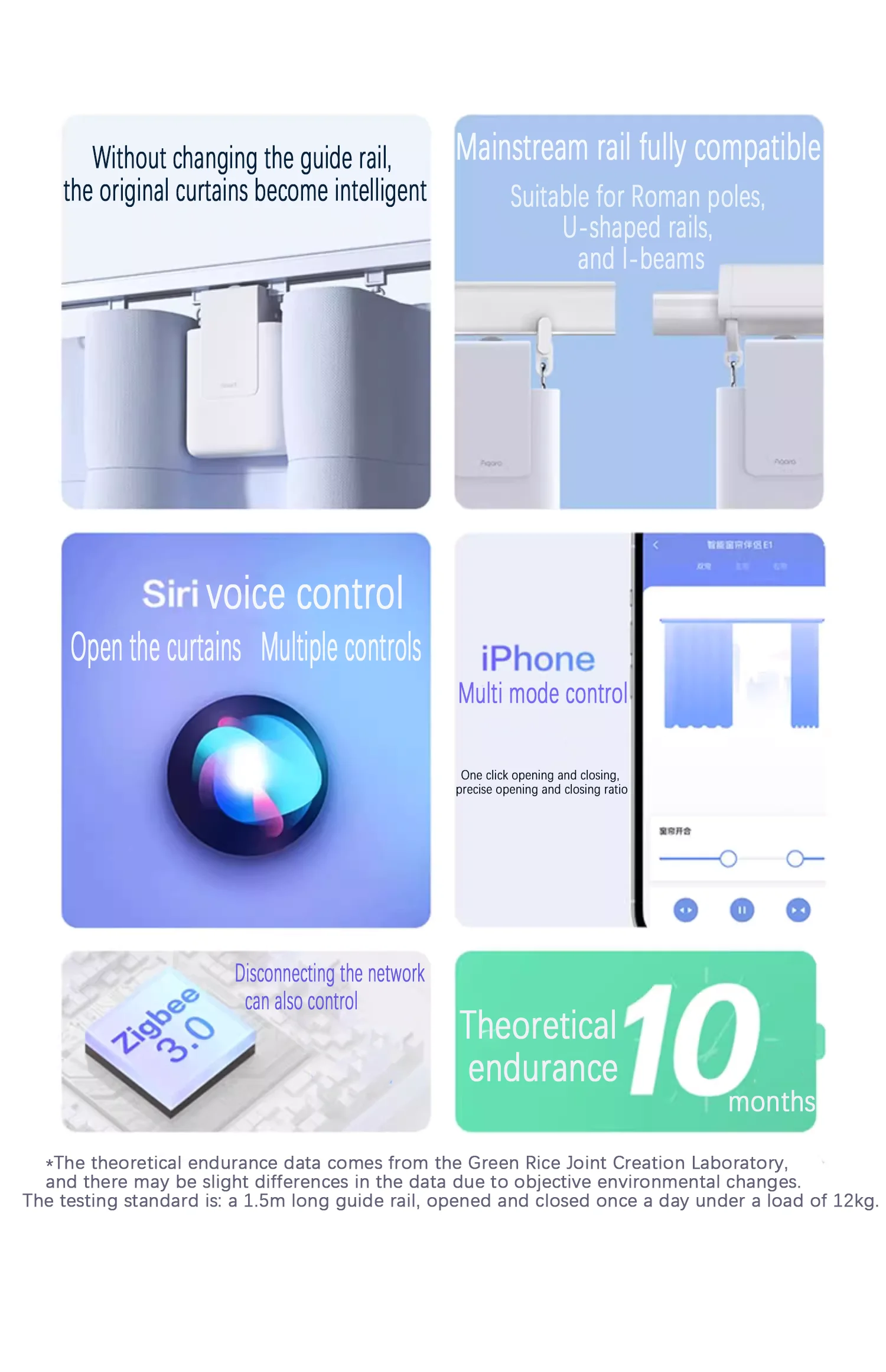 Smart Electric Curtain Robot Track Motor Remote Control Home Electric Drive Track Rod Automatic Curtain Opener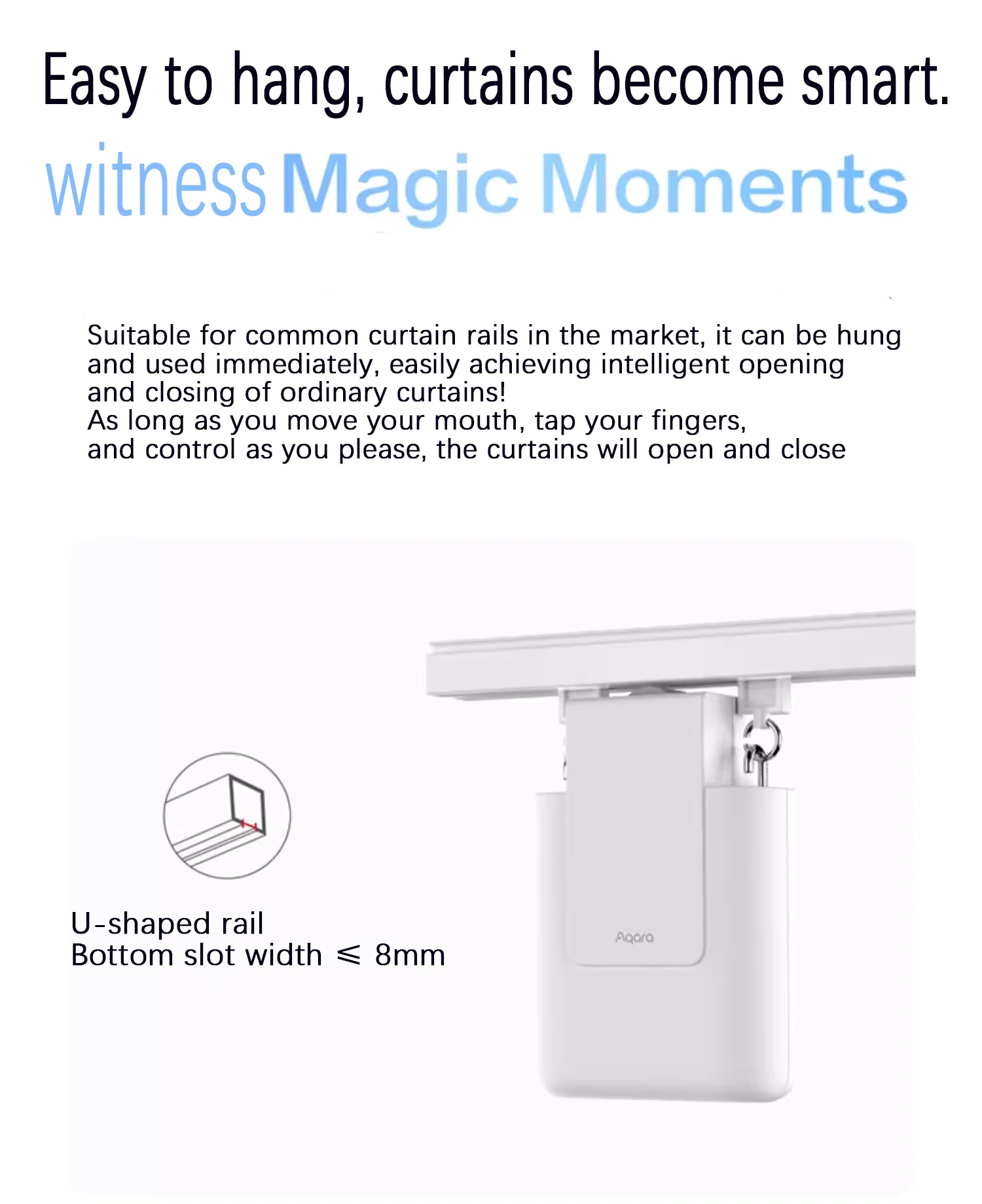
Smart Curtain Controller 1/2/4pcs App Control with Timer Compatible with Roman Rod
No need to customize guide rails
No need to chisel walls for wiring
No need to reserve sockets
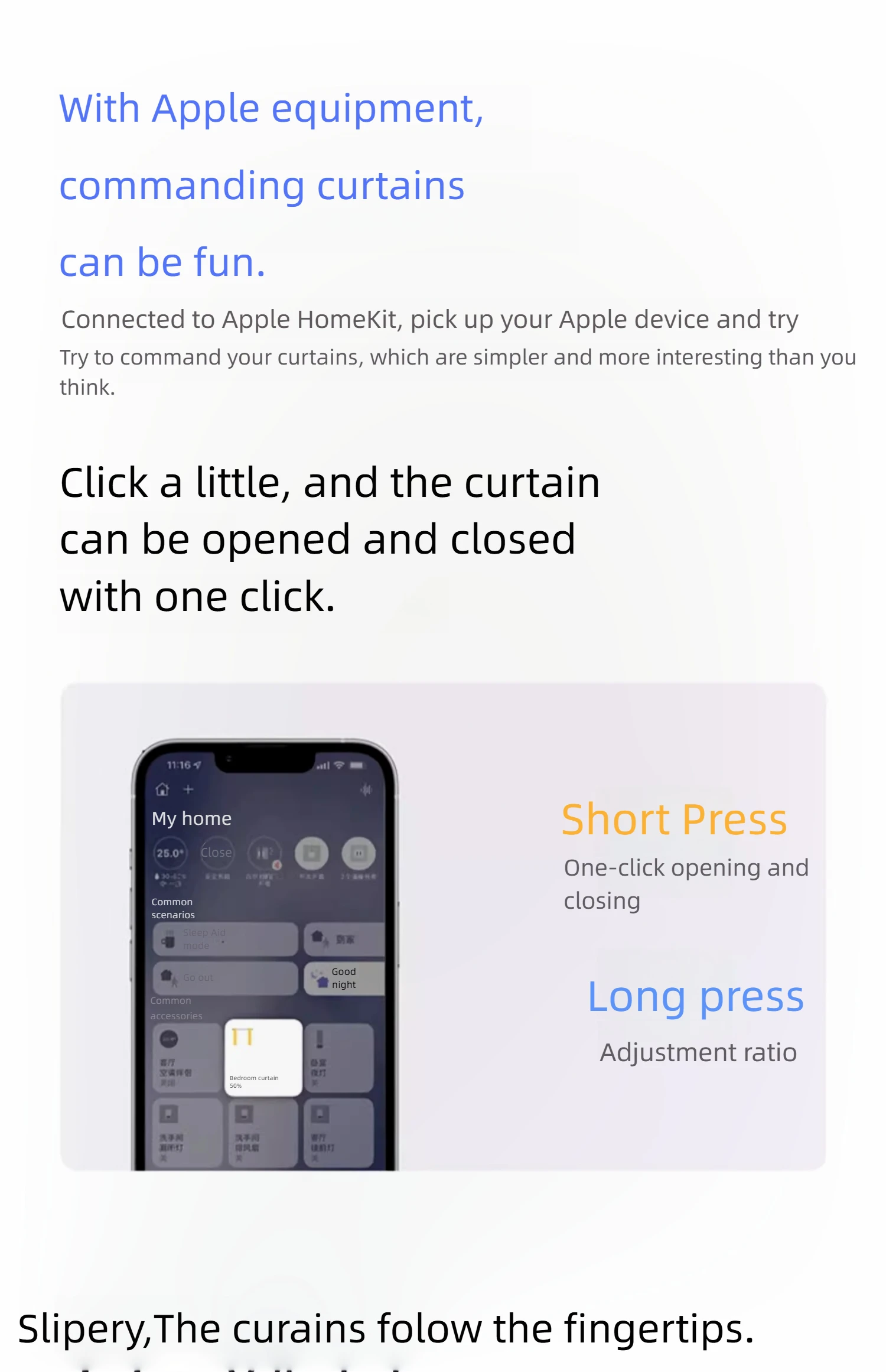
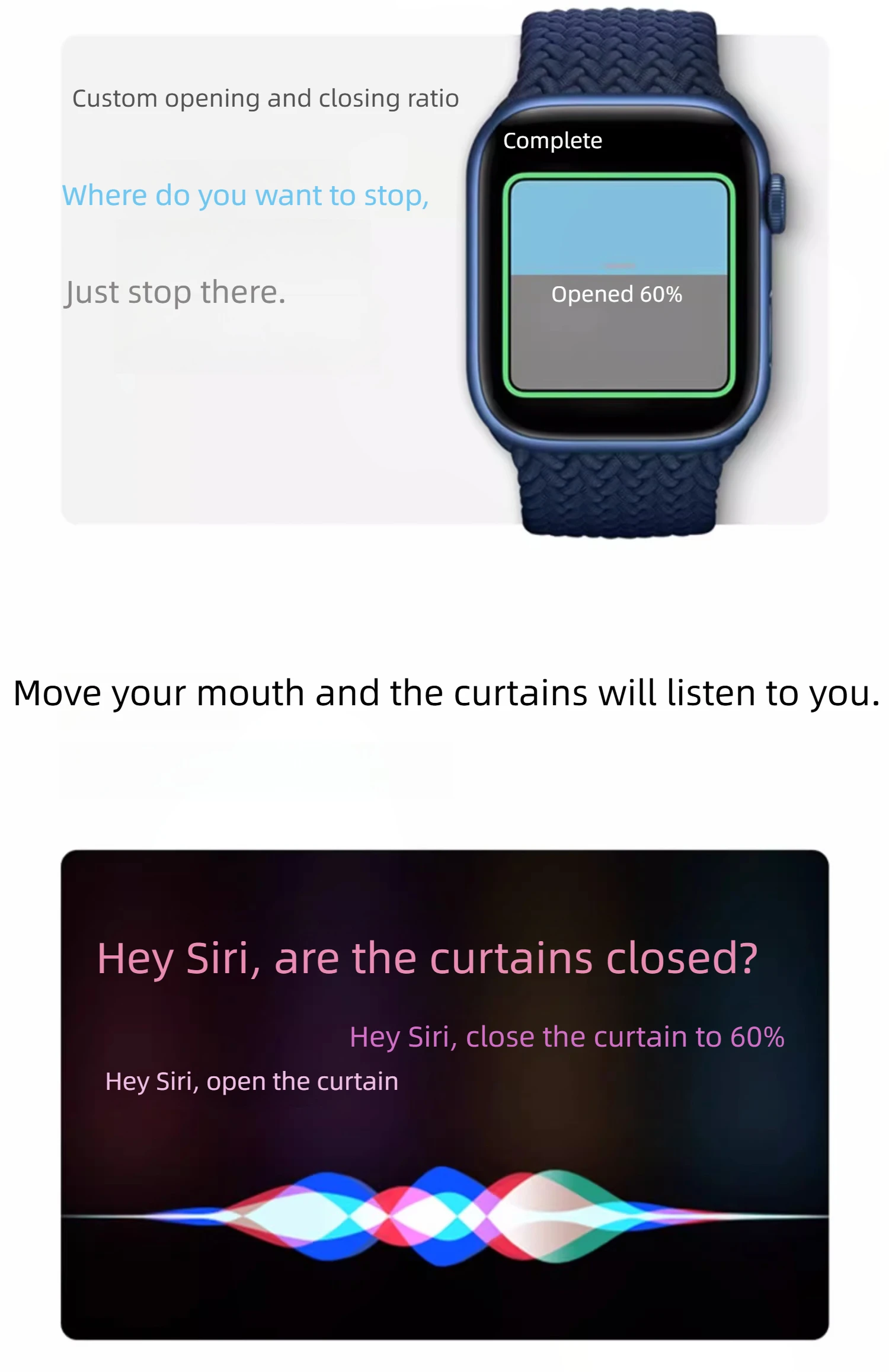
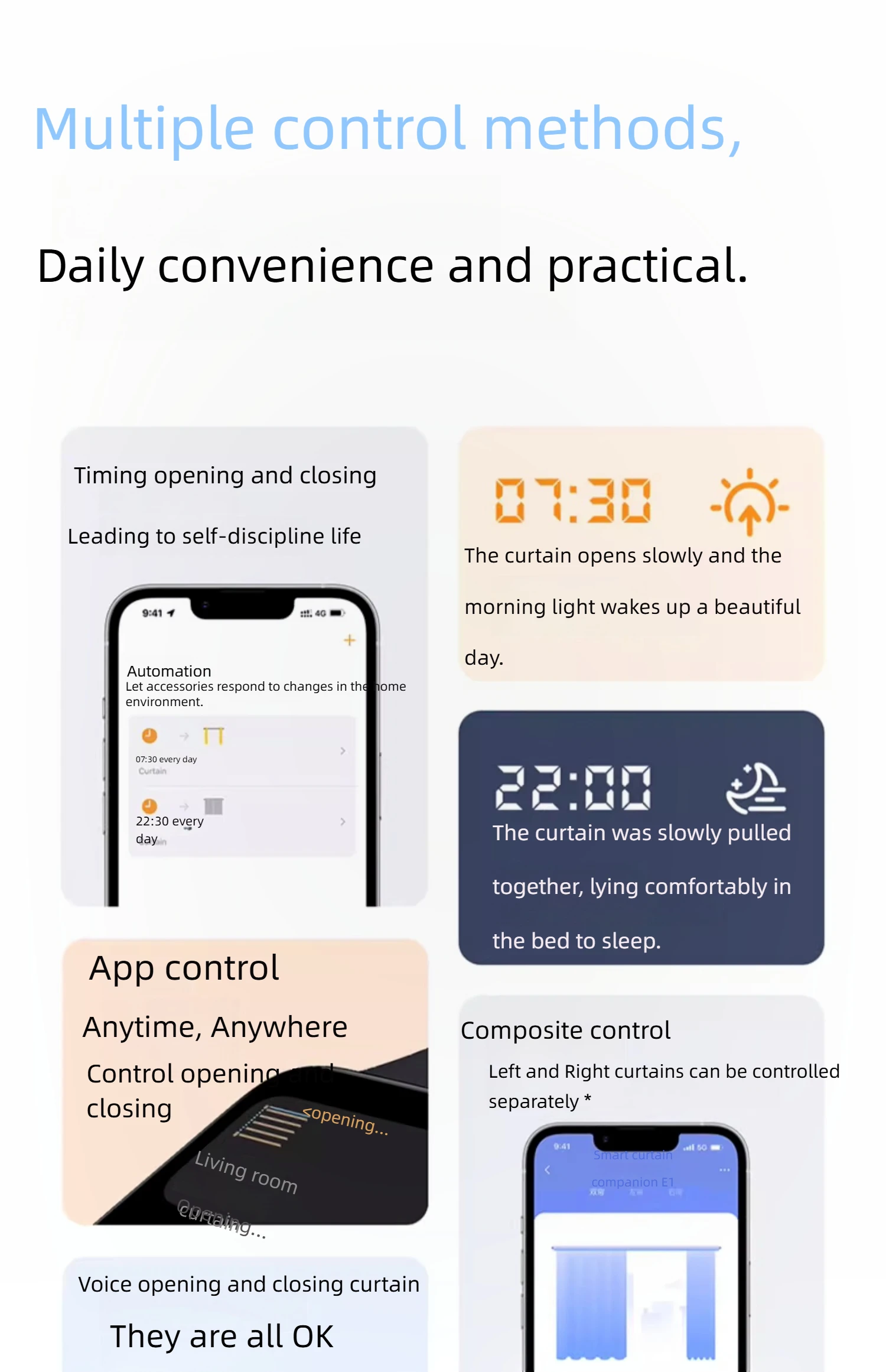
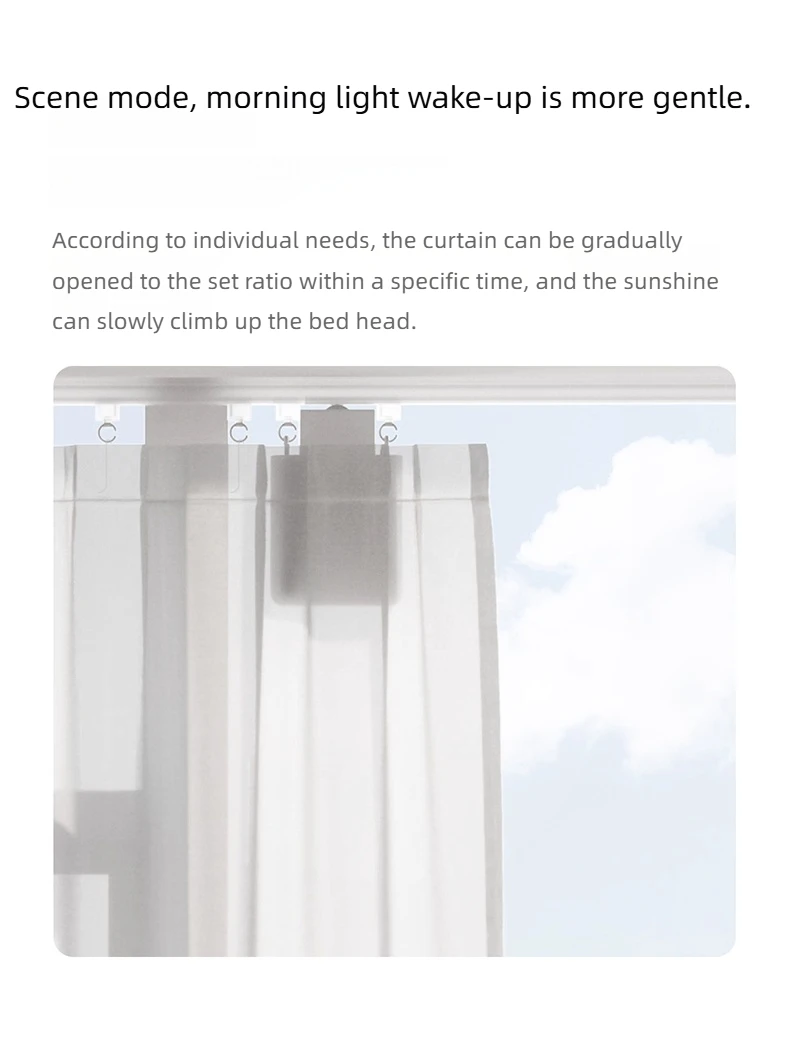
Instant hanging and use, ordinary curtains become intelligent in seconds
Frequently Asked Questions
1. What types of curtain tracks does the intelligent curtain companion E1 (track version) support?
U-shaped rail, requirement: the bottom groove width should be ≤ 8mm, and the bottom surface should be smooth and flat without any protrusions.
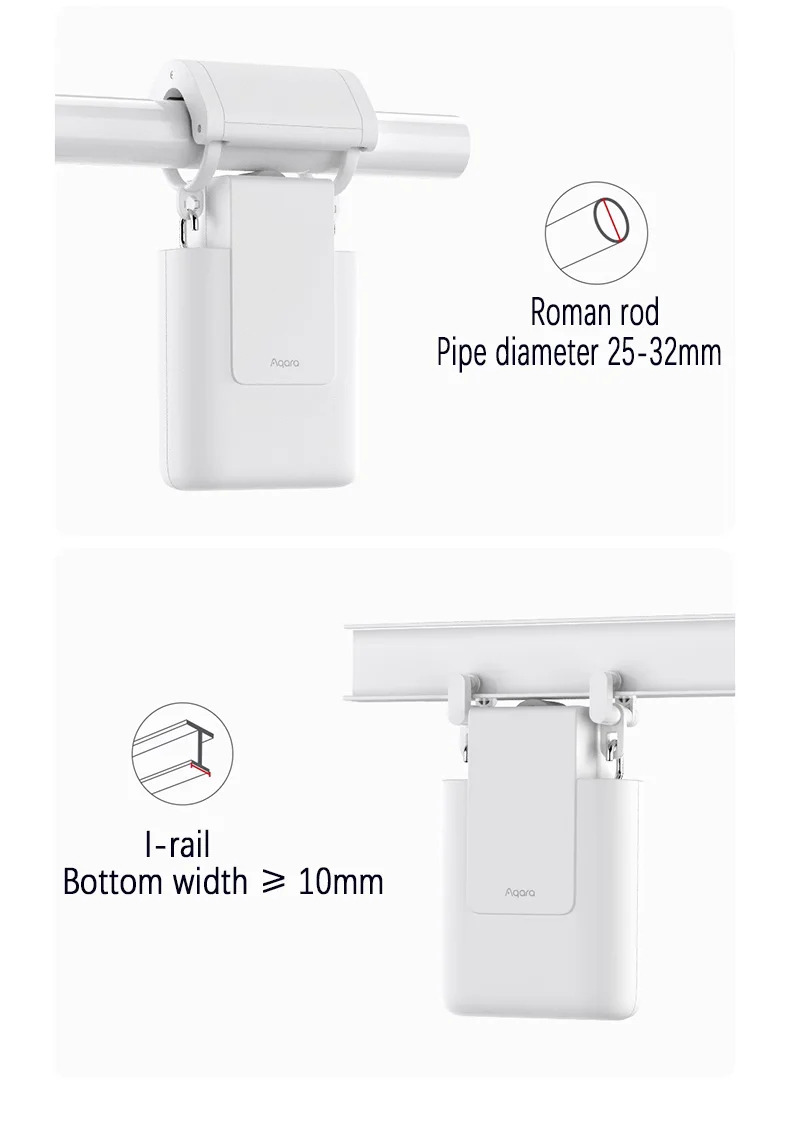
I-shaped rail, requirement: bottom width ≥ 10mm, bottom surface should be kept flat without protrusions, and circular arc bottom surface is not supported.
Attention: There should be no protrusions or steps on the track caused by the installation of connecting devices.
2. What types of curtain tracks does the intelligent curtain companion E1 (Roman pole version) support?
The intelligent curtain companion E1 (Roman pole version) supports Roman poles with a diameter between 25-32mm and a smooth surface, but does not support telescopic Roman poles.
Fabric type: compatible with both through type fabric and hanging type fabric.
Tip: The intelligent curtain companion E1 (Roman pole version) can also be used on U-shaped and I-shaped rails, with the same installation requirements as the intelligent curtain companion E1 (track version).
3.What should I do if I buy the smart curtain companion E1 (track version) at home with a Roman pole?
You can contact customer service to purchase relevant accessories.
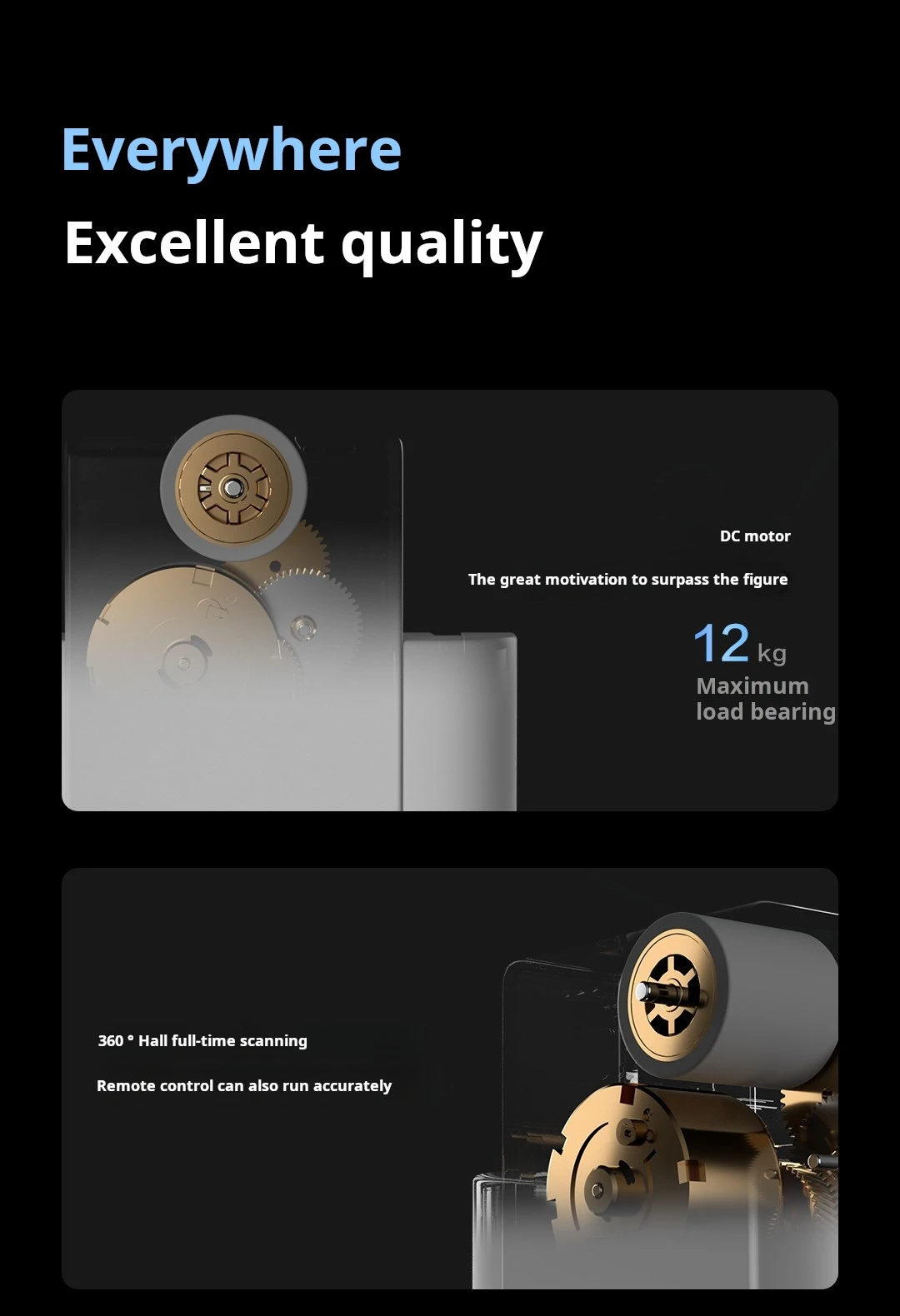
4.What is the maximum load supported by the smart curtain companion E1?
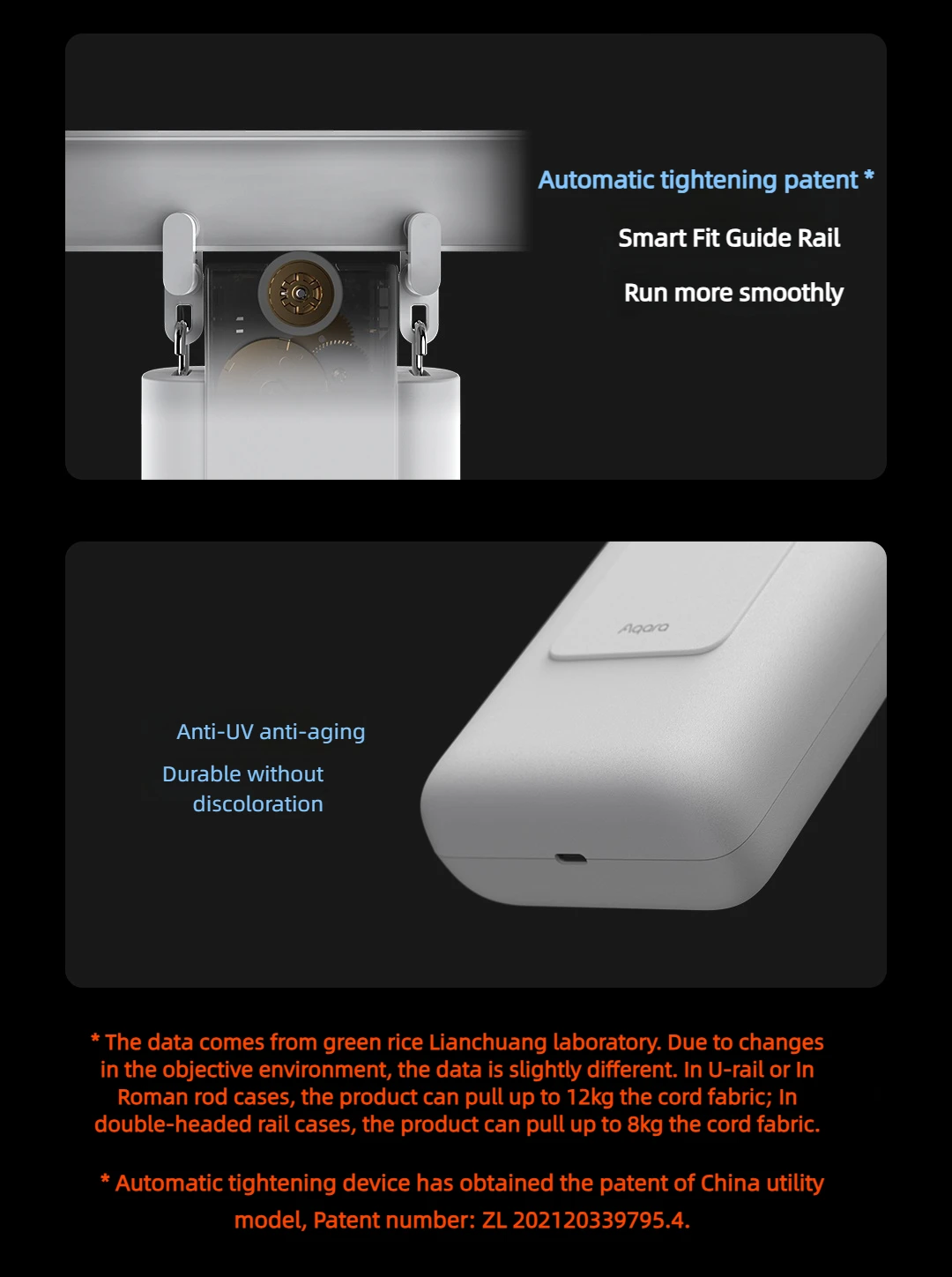
The maximum load in the case of U-shaped guide rails and Roman rods is 12kg, and the maximum load in the case of I-shaped rails is about 8kg. The specific load capacity depends on the actual situation, and may be affected by factors such as wear and tear of curtain rings, aging of tracks, and dirt.
5. How to charge the smart curtain companion E1?
Use the charging cable included in the package, or other Type-C charging cables, with a 5V-2A or 5V-1A adapter. It takes 5-6 hours to fully charge the 5V-2A adapter once.
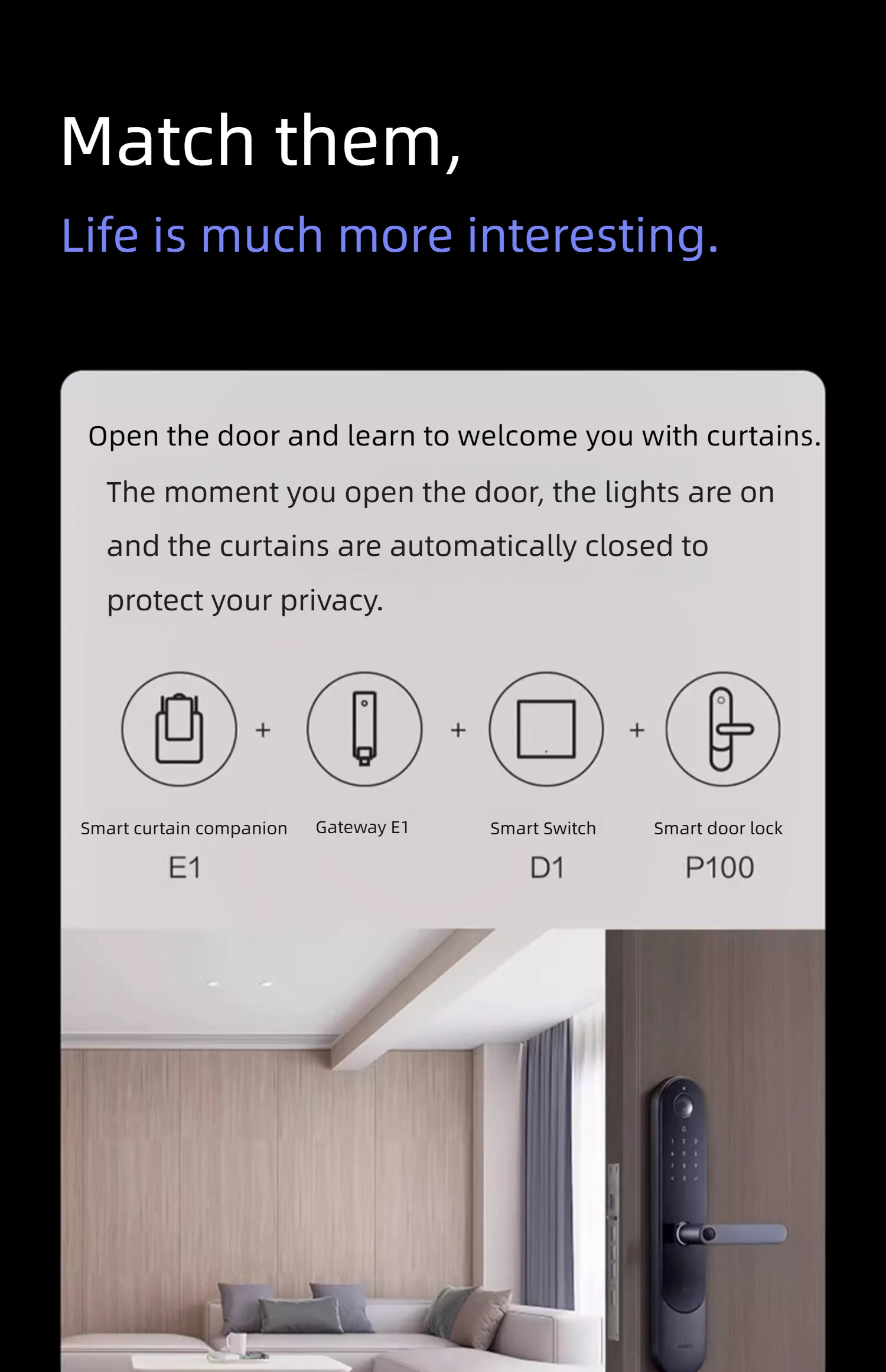
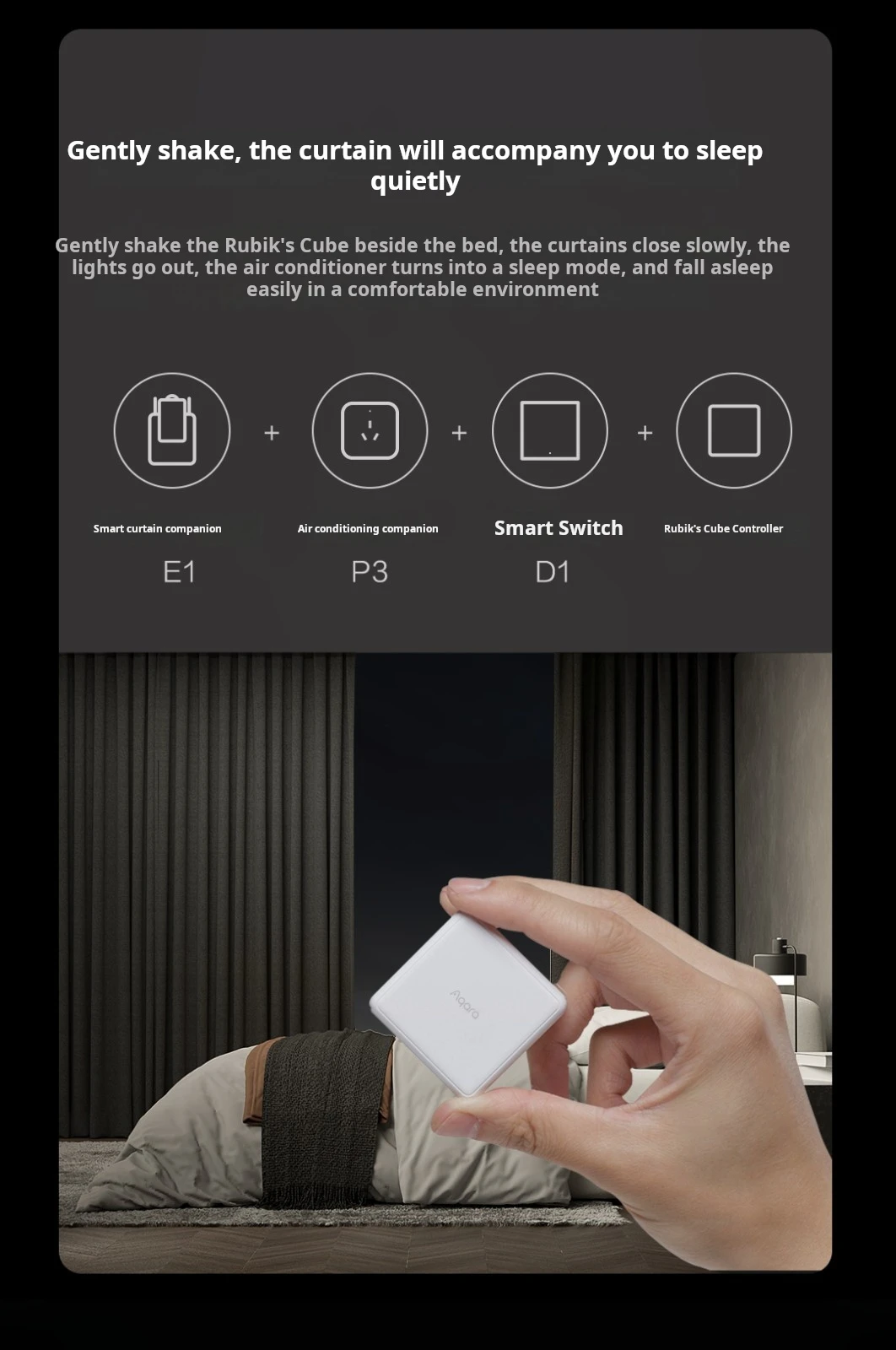
6. Does the smart curtain companion E1 need to be used with a gateway device? It needs to be paired with a gateway with Zigbee 3.0 functionality, such as gateway M1S, gateway M2, gateway E1 (Youth Edition), air conditioning companion P3, etc. For more gateways, please contact customer service.
7. How to determine if the curtain partner is tightly held in place?
After the curtain companion has tightened, the buzzer will beep twice. From the side of the body, the body should be perpendicular to the bottom of the guide rail, and the driving wheels should not be stuck in the U-shaped guide rail groove.
Gently shake the curtains with your hands. If you cannot easily change their position and posture, it means they are tightly held in place.
8.Why can't the curtains be fully opened or closed after hanging them on the track and holding them tightly?
After hanging the curtain companion onto the track and holding it tightly, you need to first set its travel through the Aqara Home app or device buttons.
9.What should I do if I manually pull the curtains and they don't automatically open and close?
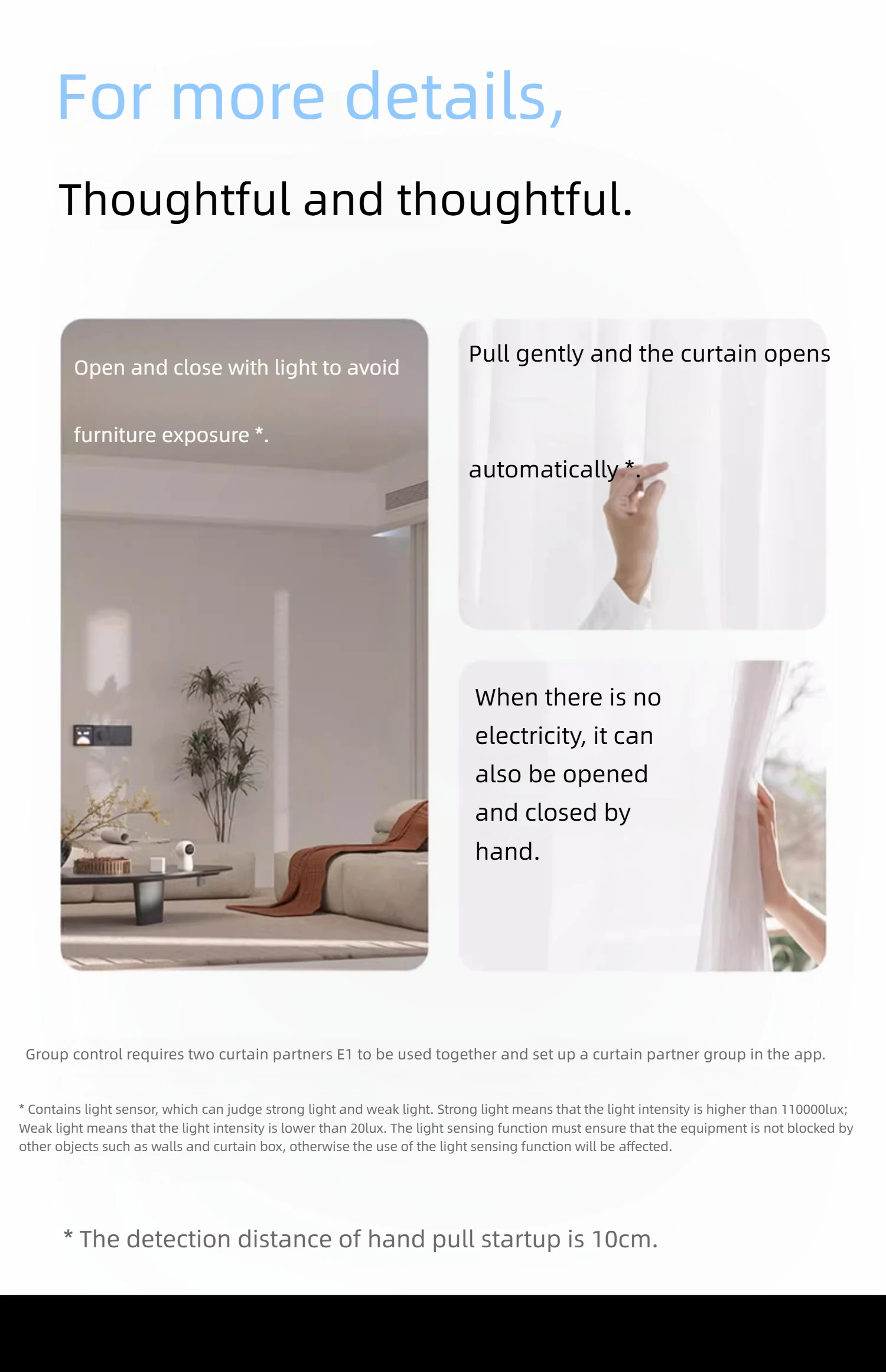
Confirm on the product settings page of the Aqara Home app whether the "manually open/close curtains" function is enabled, and then try pulling the curtain companion in the opposite direction by a distance of about 10cm before attempting again. If it feels difficult to pull the curtains by hand, you can pull the second or third crease of the curtains.
10. How to reset the curtain companion?
Press and hold the settings button for 5 seconds until the orange light flashes and the buzzer sounds, then release it. At this point, the orange indicator light continues to flash, indicating that the curtain companion has been successfully reset.
11. Did the curtain companion stop running before reaching the finish line?
There may be several reasons for this:
·After being fully charged, reinstalling the curtain companion will cause a deviation from the original travel and require resetting the travel for the curtain companion;
The curtain companion is not fully tightened in place (the driving wheel is not fully attached to the guide rail);
·Confirm if there are any foreign objects on the curtain track;
·Reset the itinerary for the curtain companion in the Aqara Home app and try again;
·The curtain companion's battery is low;
Please ensure that there are no protrusions or steps on the track caused by the installation of connecting devices;
·Please ensure that the hanging rings of the equipment are in normal condition and have not undergone any deformation due to poor material, such as the rings being pulled apart.
12.Can the curtain companion be pulled by hand to stop it halfway while it is in operation?
It will stop, but due to the strong driving force of the curtain companion's driving wheel, doing so may cause damage to the curtain. After pulling the curtain by hand to stop it, please reset the itinerary for the curtain companion.
13.Is it normal for the curtain companion to bounce back after reaching the finish line?
It is a normal phenomenon.
14.When performing the curtain opening operation, the curtain is actually closed; When performing the curtain closing operation, the curtain is actually open. How to adjust it to the correct direction at this time?
In the curtain companion plug-in of the Aqara Home app, click the upper right corner to enter the settings, and then click More Settings>Basic Curtain Settings>middle note in the opening and closing direction of the curtain.
15. The direction of opening the curtains is opposite to the actual direction of opening the curtains. How to adjust the left and right opening directions that are different from the APP operation page?
In the curtain companion plug-in of the Aqara Home app, click the upper right corner to enter settings, and adjust the left or right curtain in More Settings>Basic Curtain Settings>Curtain Styles.
16. Why doesn't the "ambient light linkage" function work after setting it in the APP?
Please ensure that the curtain companion is not obstructed by walls, curtain boxes, or other objects, and that strong light is needed to illuminate the sensor for it to work. Tip: The timing and light intensity conditions in the ambient light linkage function must be met simultaneously to be effective. If the main purpose is to make the curtains open and close at a fixed time, it is recommended to directly use the timing function in automation to achieve this.
17. Can the ambient light linkage function still be set after creating a curtain companion group?
There is no option to directly set ambient light linkage in the settings page of the curtain companion group, but it is still possible to set ambient light linkage separately in the settings page of a single curtain companion plugin.
18. What is the situation when the device indicator light turns red and flashes or stays on?
This situation indicates that the internal temperature of the curtain companion exceeds the normal working range. At this point, the curtain companion needs to be removed from the curtain track. If charging is in progress, please disconnect the charging cable and stop charging until the temperature returns to normal before use.
19. What should I do if the hanging ring at home is too fragile and pulled open?
Please purchase high-quality lifting rings with rollers.
20. The curtain companion has run to the end, but the curtain is not completely closed?
Please check if the curtain is obstructed by other obstacles or dragged to the ground, neither of which can fully close the curtain.
21.Why does the product drive wheel run but not move when the curtain companion is hung on the track?
·Please confirm if the curtain companion is securely fastened in place (with the drive wheel fully attached to the track). If the curtain partner is not tightly held in place, please follow the instructions in the manual or Aqara Home app to hold the curtain partner tightly in place and try again. If it is already tightly held in place, please check if there are any abnormalities at the hanging ring of the curtain companion, such as the ring being pulled open. If there are any abnormalities, please hang the curtain companion on a higher quality hanging ring.
·Please confirm whether the selection of curtain styles in the Aqara Home app matches the actual situation when adding devices;


Reviews
There are no reviews yet.